A sales team without measurable KPIs runs on gut feeling: the manager "feels" a rep is weak, while the rep "feels" they are working hard. Bitrix24 turns these feelings into numbers — but only if the CRM is configured so that data does not have to be pulled out manually. Below is a concrete set of metrics, a dashboard scheme, and a working model for tying a sales rep's pay to actual CRM data, adjusted for Kazakhstan-specific factors (tenge, Kaspi, payment by invoice).
Four metrics without which everything else is meaningless
Do not try to track 20 indicators — the rep will start optimizing the report rather than sales. The basic framework is four metrics, each answering its own question.
- Funnel conversion — what percentage of leads/deals reach payment. Do not calculate "overall" conversion; calculate it by stage: Lead → Qualification, Qualification → Quote, Quote → Invoice, Invoice → Payment. A drop at a specific stage immediately shows where money is being lost.
- Deal cycle — how many days pass from creation to win. In B2B sales across Kazakhstan, a typical cycle is 14–45 days; if one rep has 60+ while others have 20, these are not "difficult clients" but stalled deals.
- Activity — calls, meetings, quotes sent, WhatsApp messages. This is a leading indicator: revenue comes tomorrow, but activity is visible today. Without it, you will learn about a failure only at the end of the month.
- Average deal size — revenue ÷ number of won deals. Increasing the average deal size is often cheaper than acquiring new leads, and it is easily ruined by uncontrolled discounts.
Data hygiene first, dashboards second
Any analytics in Bitrix24 lies exactly as much as the CRM is dirty. Before building reports, close the basic gaps:
- Required fields at key stages. A deal cannot be moved to "Invoice issued" without an amount and an assignee — this is configured via automation rules / mandatory stage fields.
- No manual closing without a reason. The "Deal lost" stage must require selecting a reason from a list (too expensive, chose a competitor, no budget, could not reach). Without this, you will never learn why you are losing money.
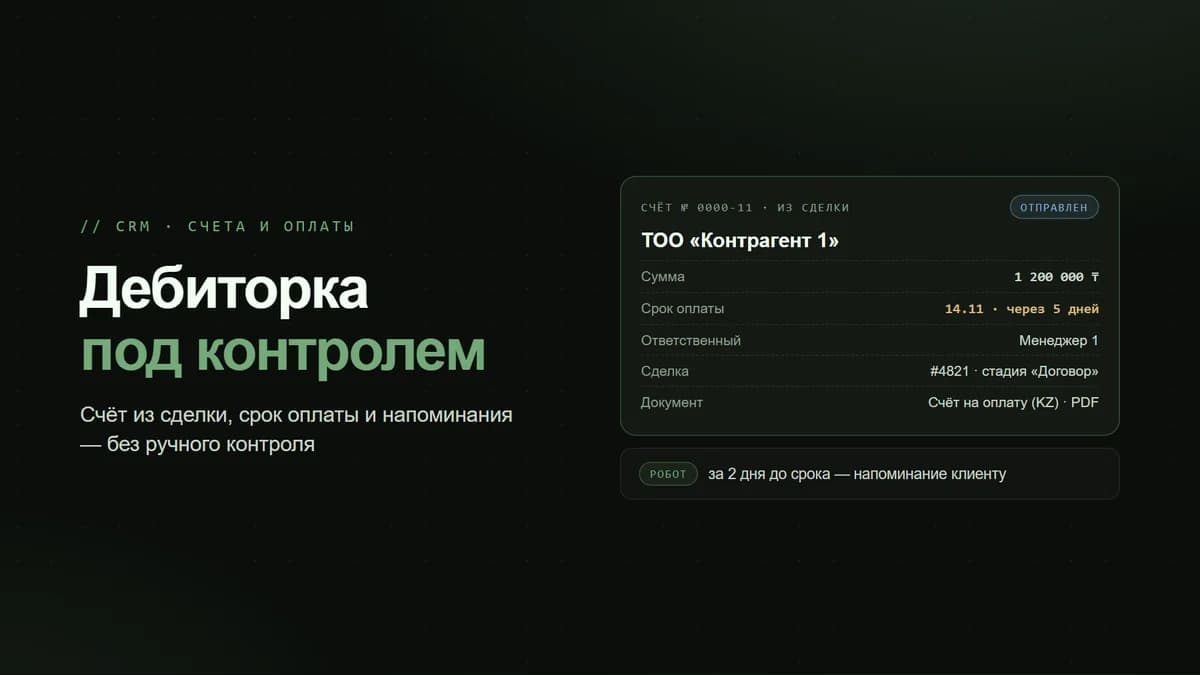
- A single source of the amount. Decide in advance: is the KPI calculated based on the deal amount or on the actually paid invoice? In Kazakhstan, payment often goes through an invoice with VAT and with a delay — if 1C is integrated, tie the actual figure to the cleared payment rather than to the "promised" amount in the deal card.
- Automatic activity logging. Calls via Asterisk/IP telephony and correspondence via Wazzup (WhatsApp/Instagram/Telegram) must be logged into the deal card automatically. If the rep creates an "activity" by hand, they will draw activity rather than work.
This point is critical: 80% of failed KPI rollouts are not about formulas but about CRM data being incomplete and untrusted.
How to build dashboards in Bitrix24
In Bitrix24, analytics live in the CRM → Analytics (CRM Analytics) section and in custom reports. Do not build one giant screen — split it by role.
Manager dashboard (head of sales)
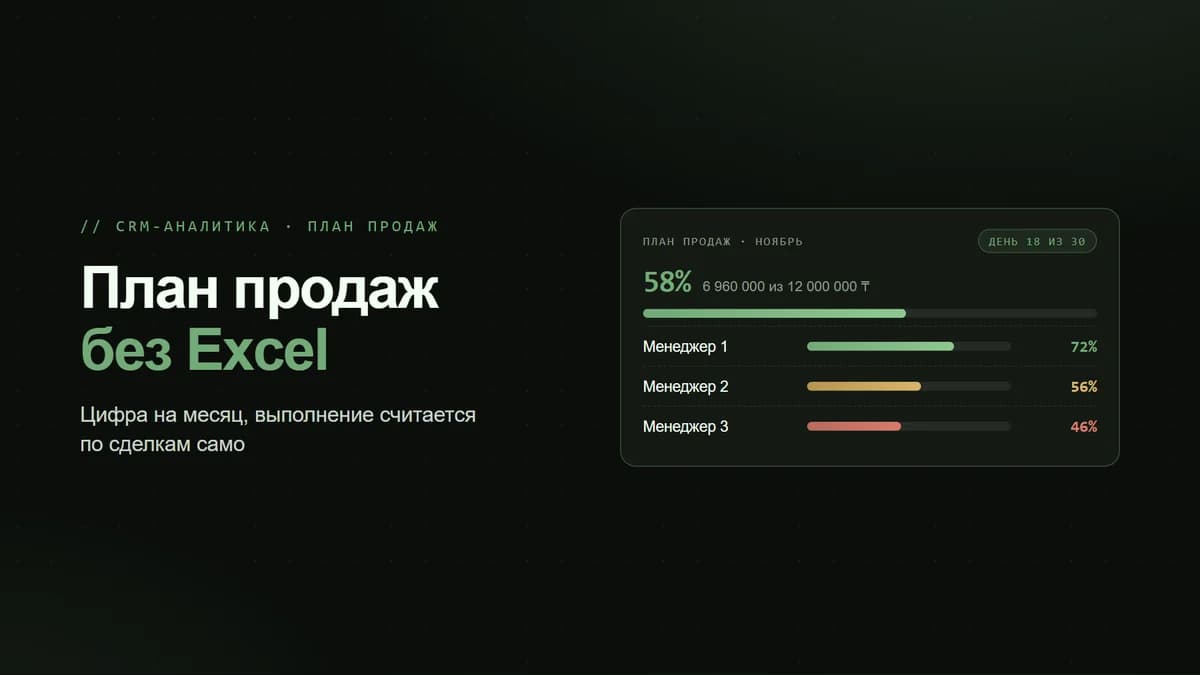
- Plan/actual revenue for the month — a widget with the target amount and the actual figure on a running total basis.
- Funnel by stage with conversion between stages — the bottleneck is immediately visible.
- Rep comparison: revenue, average deal size, conversion, average deal cycle — in a single table.
- Amount in progress (pipeline) by stage — a forecast for the next month.
- Overdue activities and deals with no activity for > N days — the "hot list".
Sales rep dashboard
- Their own plan/actual and how much is left to reach the bonus — a daily motivator.
- Deals with no tasks (orphans) — so nothing slips through.
- Activity for the day/week against the target.
- Their own average deal size and conversion over time.
Plan/actual: where the target is set
Bitrix24 has a "Sales Plan" tool — targets are set for the company, the department, and each rep, by revenue or number of deals, broken down by month. The CRM pulls the actual figure automatically from won deals. The plan/actual widget is placed on the desktop and updates in real time — the rep does not need to wait for the end of the month to understand where they stand.
Tying motivation to CRM data
The main principle: the bonus is calculated based on fields the rep cannot tweak manually. If the bonus depends on the "deal amount," and the rep sets the amount themselves, the system is broken. Tie it to the actual payment (invoice paid / cleared in 1C).
A working formula for the Kazakhstan market
Basic model for a B2B rep: 40% base salary + 60% variable. The variable part is split as follows:
- Revenue plan attainment (weight ~60% of the variable). Up to 80% of plan — no bonus is paid (the threshold cuts off "just showing up"). 80–100% — linear. Above 100% — an accelerating coefficient of 1.3–1.5, so that exceeding the plan is worthwhile.
- Conversion or quality (weight ~20%). For example, Invoice → Payment conversion not below the target. This protects against "drove in leads and dropped the ball."
- Activity / CRM discipline (weight ~20%). A target for calls/quotes + no deals without tasks and no overdue activities. This can be set up as a penalty multiplier: a dirty CRM cuts the bonus.
Example: the plan is 8,000,000 ₸, the rep delivered 9,200,000 ₸ (115%). Bonus base 300,000 ₸ × overachievement coefficient 1.3 = 390,000 ₸, adjusted for CRM discipline. All figures are pulled from reports automatically — the head of sales does not calculate them in Excel.
Automating the calculation
Bitrix24 can calculate this without manual work: a smart process or automation rules aggregate won deals for the period by rep, match them against the plan, and generate a bonus report. If IP telephony and Wazzup are connected, activity is counted automatically. In the on-premise version, the calculation can be moved into a separate business process and the bonus payroll exported with a single button.
Common mistakes when rolling out KPIs
- Too many metrics. A rep does not keep 12 indicators in their head — they work on 2–3. The rest become background noise.
- KPIs outside the rep's influence. You cannot tie the bonus to "company profit" or "margin" if the rep does not control the purchase price and discounts. Reward them for what they actually influence.
- Changing the rules mid-month. Any KPI change should take effect only from the next period and with a written announcement. Otherwise you lose trust and motivation at once.
- There is a dashboard but no review. Numbers work when the head of sales runs a 30-minute funnel review once a week. Without the ritual, analytics is dead.
- Rolled it out and forgot about data cleanup. After 2–3 months, the fields are filled in haphazardly again. A periodic CRM quality audit is needed.
Where to start this week
- Days 1–2: configure required fields and the loss-reason list at the stages. There is no point going further without this.
- Days 3–4: build two dashboards — one for the head of sales and one for the rep — and put plan/actual on the desktop.
- Day 5: set the monthly sales plan for each rep in the "Sales Plan" tool.
- Week 2: connect automatic activity logging (telephony + Wazzup) so that the activity metric is honest.
- Weeks 3–4: launch the new bonus scheme in test mode in parallel with the old one — let reps see their own figures before their pay depends on them.
A good KPI is not control but a navigator: the rep sees for themselves how much is left to the bonus and adjusts on their own.
Bitrix24 provides everything you need — plan/actual, CRM analytics, automatic activity collection, and bonus calculation — but it does not work "out of the box" for a specific business. Metrics, weights, and thresholds need to be configured for your funnel and deal cycle, and the data needs to be clean and trusted. Only then is the sales team managed by numbers rather than intuition.