A business process (BP) in Bitrix24 is a sequence of steps involving different roles. Well-designed BPs save managers and executives 10-15 hours per week. Here are 12 scenarios from real-world implementations.
1. Commercial Proposal Approval
A manager prepares a proposal, which is automatically routed to the Head of Sales for review. If the amount exceeds N, it additionally goes to the director. Once approved, it returns to the manager flagged "Ready to send to the client."
Impact: zero proposals with errors or below-market discounts, and the average approval cycle drops from 2 days to 4 hours.
2. Recovering a "Lost" Lead
If a deal has not moved for 14 days, it is automatically escalated to the Head of Sales. The Head of Sales reviews it, follows up, or reassigns it to another manager. No manager can silently "freeze" a good client.
3. Vacation Request
An employee fills out a "Vacation from-to" form, which is routed to their manager for approval. Once approved, a calendar event is created automatically along with a notification to HR. A paper-based request turns into 30 seconds of work.
4. Procurement and Expense Approval
A purchase request includes the purpose, amount, and urgency. Up to 50,000 KZT, it is auto-approved. Up to 500,000 KZT, it requires the Head of Sales. Above that, it requires the director. Accounting only sees already-approved requests and processes payment.
5. New Employee Onboarding
HR creates an employee record, which automatically triggers: an IT task (provision a laptop and access), a security task (access badge), a series of tasks for the employee's first week (review policies, meet the team), and a series of notification emails. On the termination date, a reverse scenario runs.
6. Customer Support (Ticketing System)
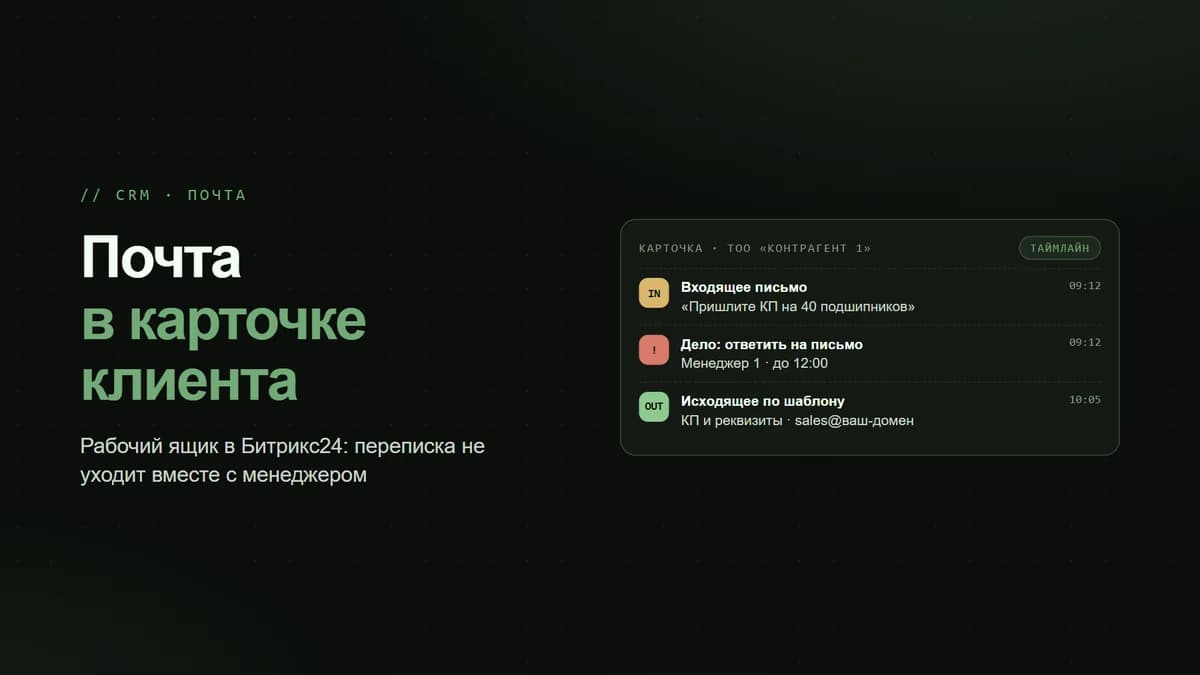
A client emails support@, which automatically creates a ticket. It is routed to the relevant specialists by topic, the SLA timer starts counting, and if there is no response within N hours, the ticket is escalated to a manager. After it is closed, an NPS survey is sent.
7. Contracts: From Template to Signature
In a deal, the "Generate contract" button populates the client's details into a Word template, the legal team reviews it, and it is sent to the client for signature via SignRequest or DocuSign. After signing, it automatically moves to "Paid" once funds are received.
8. NPS Survey After Deal Closure
Seven days after "Closed (Won)," a WhatsApp message is automatically sent to the client: "Rate us from 1 to 10." Promoters (9-10) are asked to leave a review on Google/2GIS. Passives (7-8) trigger a task for the manager to clarify what could be improved. Detractors (1-6) are urgently escalated to the director with an alert.
9. Customer Re-engagement
A client who has not purchased for 90+ days is automatically segmented and sent a personalized campaign with a special offer. If the client clicks, a deal is created flagged as "reactivated."
10. Recruitment
A candidate fills out a form and enters the HR pipeline, with stages: "Resume received" -> "HR interview" -> "Test assignment" -> "Final interview" -> "Offer." Email templates are set for each stage, with automated tasks for recruiters.
11. Accounts Receivable Control
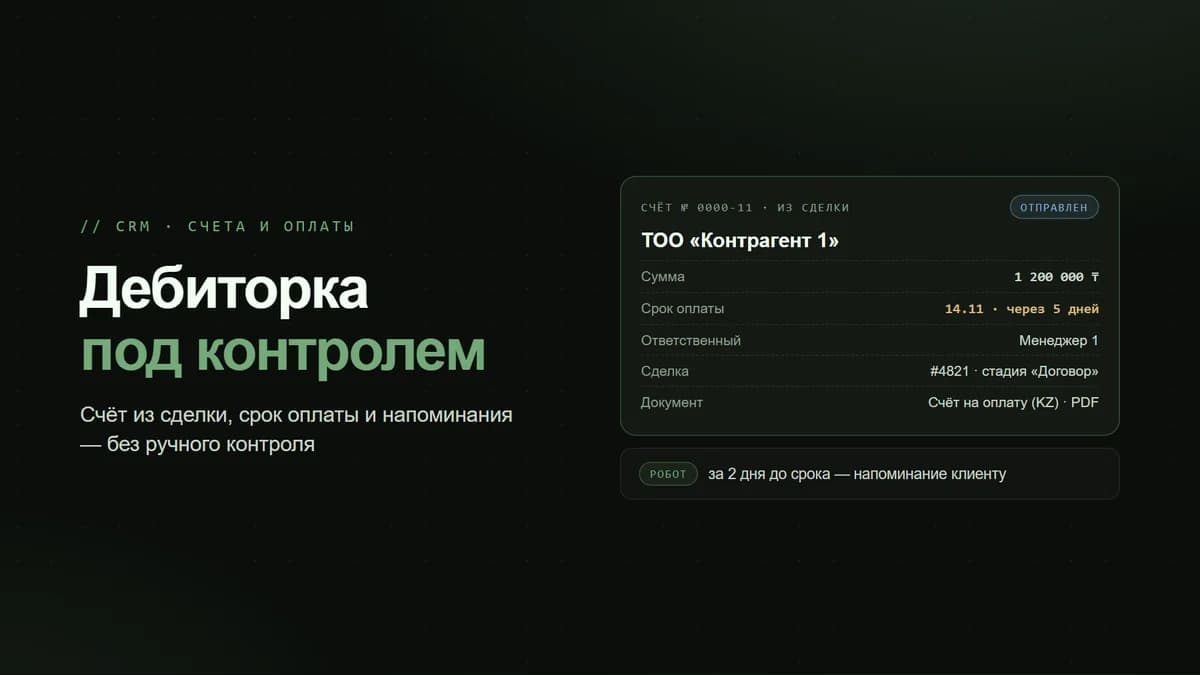
A robot monitors unpaid invoices. Three days before the due date, a reminder is sent to the client. On the deadline day, a task is created for the manager to make contact. One day overdue, the Head of Sales is notified. At 7 days, the finance team. At 14 days, the legal team for a pre-trial claim.
12. Meeting Discipline
After every meeting (a calendar entry), the manager receives a task to "Fill in the meeting summary" with a mandatory "Next steps" field and a date. Without completion, the meeting is considered invalid, and the Head of Sales sees this in the report.