Bitrix24 has embedded artificial intelligence directly into its CRM: the feature is called CoPilot (it was previously often referred to as BitrixGPT). It is not a separate product or a plugin — AI buttons appear inside deals, chats, calls, and comments. For a sales department, this means routine tasks such as transcribing a call or drafting a reply to a customer are handled in a single click without ever leaving the record. Below we cover exactly what CoPilot can do, which plans it is available on, what it actually costs, and which scenarios genuinely deliver returns for businesses in Kazakhstan rather than just looking good in a demo.
What CoPilot Is and Where It Gets Its "Brains"
CoPilot is a layer of AI on top of Bitrix24 that, under the hood, calls large language models (Bitrix24 works with several providers and selects the model itself depending on the task). The user does not need to configure anything in OpenAI or register API keys — everything is already connected on the Bitrix24 side. Usage is measured in so-called AI tokens: every AI request (call transcription, text generation, analysis) consumes a token allowance tied to your plan. When the allowance runs out, the features are temporarily disabled until the next month or until you purchase an additional package.
A key point for Kazakhstan: the interface and the AI responses themselves work fully in Russian. Kazakh is more challenging — the model understands it and can respond, but the quality of call transcription and summaries in Kazakh is noticeably lower than in Russian. If some of your customers communicate in Kazakh, you need to test this on your own real calls before building any processes around it.
Four Scenarios That Genuinely Save Sales Reps' Time
1. Call Summaries and Transcription
This is the most valuable feature for a sales department. After a call ends (via built-in telephony or a connected SIP/Asterisk line), Bitrix24 transcribes the recording into text, and CoPilot turns it into a short summary: what was agreed, what objections came up, what the manager promised. The summary is automatically added to the deal record. The sales manager no longer needs to listen to hour-long recordings — they read the digest in 20 seconds.
- Transcription of the call recording into text — automatically once the conversation ends.
- A concise summary: agreements reached, customer pain points, next step.
- Call scoring against the script — whether the rep followed the sales stages.
- Automatic suggestion of a task or activity based on the agreements reached.
An important caveat for KZ: for this to work, calls must take place and be recorded inside Bitrix24. If reps call from personal mobiles or via WhatsApp voice, the AI will not see them. That is why this setup is usually built on IP telephony (Asterisk) with call recording wired into the CRM.
2. Draft Replies to Customers
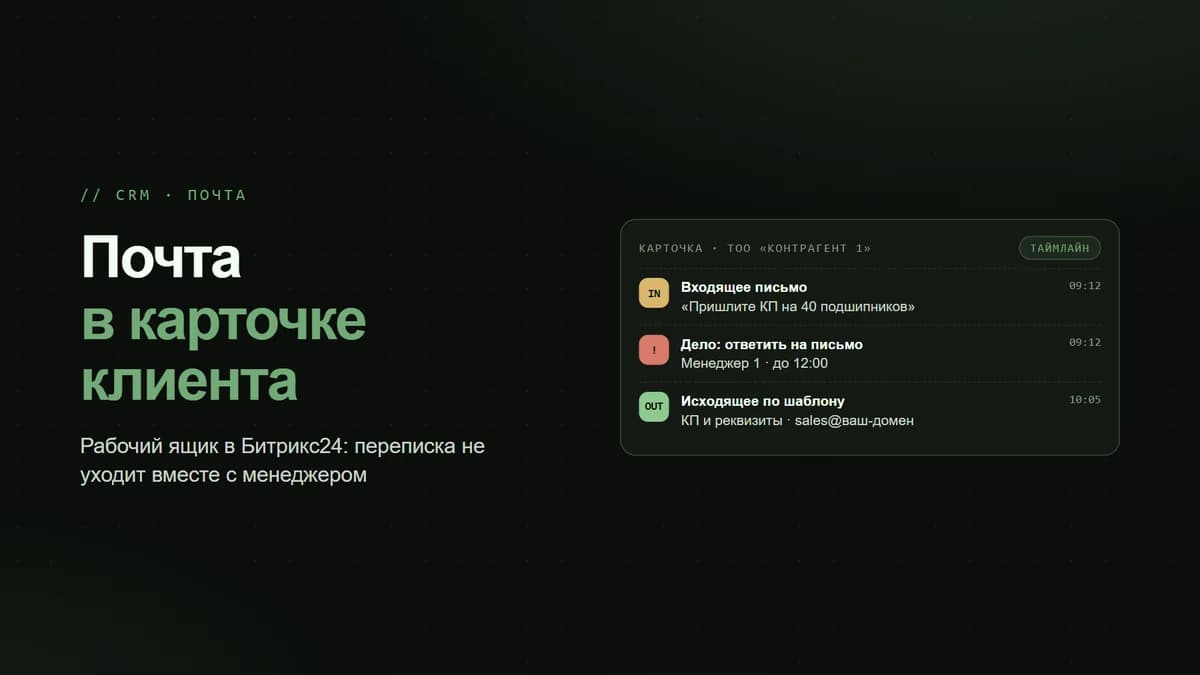
In open-channel chats (WhatsApp, Instagram, Telegram via Wazzup) and in emails, CoPilot suggests reply options: you can ask it to "reply politely," "make it shorter," "add a benefit," or "fix the grammar." The rep does not write from scratch but edits a ready-made draft. For inbound leads from Kaspi, hh.kz, or 2GIS, where first-response speed is critical, this cuts reaction time dramatically.
3. Auto-Filling CRM Records
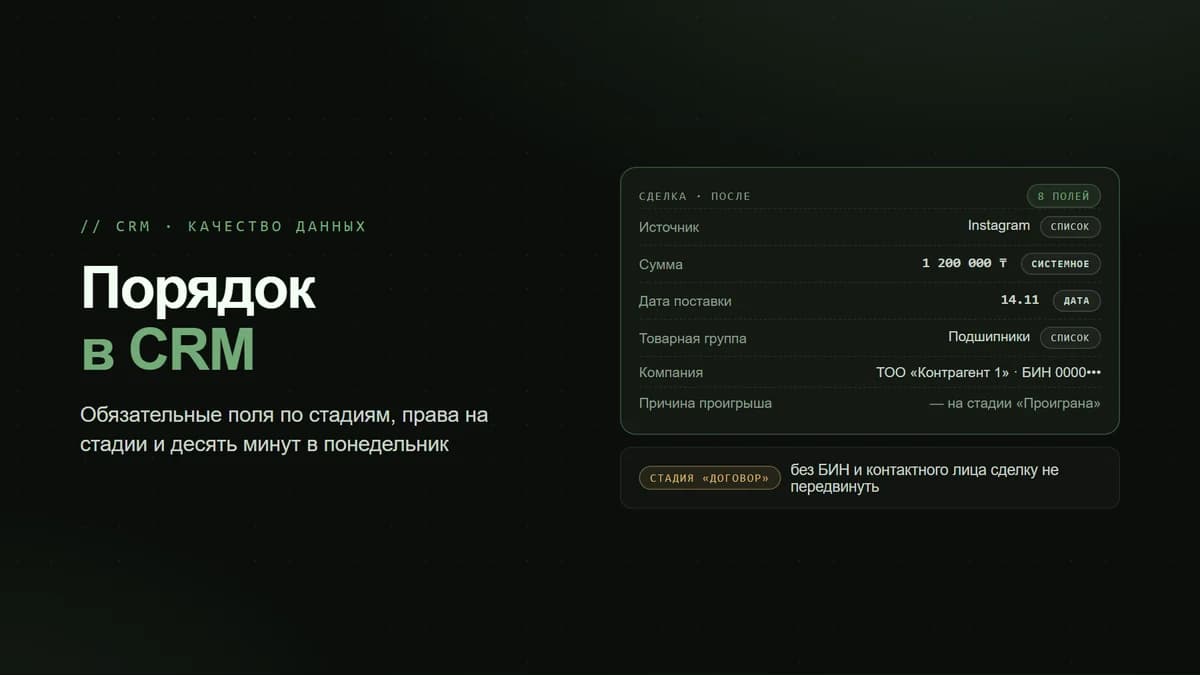
CoPilot can extract structured data from correspondence and calls and populate the deal fields: contact name, requirement, budget, timeline. This cures the chronic ailment of every sales department — empty records that reps are too lazy to fill in. The AI fills them in for them based on the actual conversation, and the rep simply checks the result.
4. Pipeline Analysis and Deal Recommendations
At the deal level, CoPilot can suggest the next step and estimate the probability of closing based on the interaction history. At the pipeline level, built-in analytics plus AI help reveal where deals get "stuck," which stages consume the most time, and which reps have sagging conversion rates. This does not replace the manager, but it provides ready-made questions to address at the team meeting.
Which Plans Include CoPilot
Here it is important not to confuse the availability of the feature itself with the volume of free tokens. Basic CoPilot capabilities exist in the free version and on the lower-tier plans, but the number of free requests there is symbolic — enough for testing, not for running a department. The higher the plan, the more tokens are included in the package and the more heavy-duty features (call transcription, bulk analysis) are available at no extra cost.
- Free / Basic — CoPilot is available, but the tokens only suffice for a trial; not enough for a sales department.
- Standard — a reasonable token package, suitable for a team of up to ~50 people, covering the main scenarios.
- Professional / Enterprise — maximum AI limits, call transcription and analytics at scale, plus advanced automation.
- On-premise version — AI is connected separately (via the marketplace/a module); it is not included out of the box and requires configuration.
A practical tip: Bitrix24 periodically changes the exact token figures and plan prices, and in Kazakhstan there is the added question of payment and currency. So before buying, it is worth checking the current price list at the time of purchase rather than the figures from an article a year old. At IT TECHNOLOGY, we help select a plan based on your real call and lead volume, so you do not overpay for tokens you will never use up.
How to Roll Out CoPilot in a Sales Department: Step by Step
- Step 1. Set up telephony in Bitrix24 (Asterisk or a cloud SIP line) with call recording — without this, call summaries will not work.
- Step 2. Connect messengers via Wazzup so that correspondence from WhatsApp/Instagram/Telegram lands in CRM chats, where draft replies are available.
- Step 3. Pick 5–10 typical calls and run them through transcription — evaluate the quality in Russian and in Kazakh separately.
- Step 4. Configure which record fields the AI fills in automatically, and require reps to verify rather than blindly trust the result.
- Step 5. Once a week, review AI call summaries at the team meeting instead of listening to recordings — this is the main time saving for the sales manager.
Where CoPilot Gets It Wrong and What Not to Expect From It
AI is an assistant, not a replacement for the rep. Here are a few honest limitations worth knowing in advance.
- The AI may "invent" prices and terms if they are not in the data — so commercial replies to customers are always checked by a human.
- Kazakh in call transcription is still weaker than Russian — mixed speech can produce errors.
- A call summary is only as good as the recording is clean: noise, speakerphone, and dropouts degrade the result.
- Tokens are finite: with a high call volume, the package can be used up by mid-month, which needs to be planned for.
- Pipeline analysis shows correlations, but the conclusions and decisions remain with the manager.
The rule is simple: AI prepares the draft, the human makes the decision. That way CoPilot saves hours instead of creating problems.
Conclusion: Who CoPilot Already Pays Off For
CoPilot in Bitrix24 delivers the greatest returns where there are many calls and conversations and where the manager physically cannot keep up with monitoring conversation quality. For Kazakhstan's small and medium-sized businesses, the fastest impact comes from call summaries (saving the sales manager's time) and draft replies in messengers (speeding up the response to leads from Kaspi, 2GIS, and hh.kz). For all of this to work, you need the right setup: telephony with recording, messengers in the CRM, and an adequate token plan. If you want to roll this out without trial and error, IT TECHNOLOGY, an official Bitrix24 partner in Kazakhstan, will configure CoPilot, telephony, and integrations for your sales department: +7 701 960 13 11, info@ittechnology.kz, ittechnology.kz.