You pay for advertising on Instagram, Google, and 2GIS, yet when asked which channel actually makes money and which one burns budget, you answer by gut feeling. End-to-end analytics in Bitrix24 closes this gap: it links an ad click to a specific deal and real revenue in tenge. Below is how it works technically, what to connect, which reports to put in front of your executives, and where Kazakhstani businesses most often get the accounting wrong.
What End-to-End Analytics Is and Why It Matters to You
Standard web analytics (Yandex.Metrica, GA4) shows clicks, visits, and leads. Ad accounts show spend and cost per click. The CRM shows deals and money. The problem is that these three worlds are not connected: you can see that Metrica delivered 80 leads and that your books hold revenue from 12 deals, but you have no idea which source produced those particular 12.
End-to-end analytics stitches the chain click → visit → lead → deal → payment into a single table. The output is not CPL (cost per lead) but ROMI, the return on marketing investment for each channel, campaign, and even keyword. That is the difference between "Instagram delivered 40 leads at 3,000 ₸ each" and "Instagram generated 2.8M ₸ in revenue on 600,000 ₸ of spend, ROMI 366%."
Connecting Sources: Metrica, GA4, and Ad Accounts
Bitrix24 includes a built-in End-to-End Analytics module (CRM → Analytics → End-to-End Analytics). It runs on Bitrix24's own tracker but integrates correctly with external systems. The setup sequence for a typical Kazakhstani project is as follows:
- Install the Bitrix24 tracking code on your site (via a tag in the head or through GTM). It records visits and ties them to leads and deals.
- Connect Yandex.Metrica and/or GA4 for web analytics and data validation. In Kazakhstan, most traffic comes through Yandex and Google, so keep both trackers running.
- Set up ad channels in the Advertising section: Yandex.Direct and Google Ads connect via API and pull spend automatically. Instagram/Facebook (Meta) and TikTok are more often added manually or through a connector, since Meta accounts in Kazakhstan frequently sit under agency accounts.
- For offline channels (2GIS, outdoor advertising, printed QR codes), create dedicated UTM links or promo codes; otherwise they will fall into "Direct" traffic.
For channels that do not pull through the API (Meta via an agency, 2GIS, mailings), enter spend manually once a week in the Expenses section. Without spend data the system will calculate revenue but not ROI, and ROI is the key number.
UTM Tags: The Foundation Everything Rests On
90% of end-to-end analytics problems come from broken or missing UTMs. Bitrix24 reads the five standard parameters and maps them automatically into lead and deal fields (UTM_SOURCE, UTM_MEDIUM, UTM_CAMPAIGN, UTM_CONTENT, UTM_TERM). Agree on a single standard and never deviate from it:
- utm_source — the platform: instagram, google, yandex, 2gis, kaspi (lowercase, Latin script, no variants such as Instagram/insta/ig).
- utm_medium — the traffic type: cpc (paid click), social, email, banner, qr.
- utm_campaign — the campaign name as a readable code: podshipniki_almaty_06.
- utm_content — the specific ad or creative for A/B comparison.
- utm_term — the search keyword (for search campaigns).
Critically, tags must be present at EVERY entry point, or the data leaks away. This means links in ads, the WhatsApp button on your site, the link in the Instagram bio, QR codes on business cards and in the showroom, and links in Kaspi listings. If you run a Wazzup widget, make sure that the jump into WhatsApp/Instagram preserves the source; otherwise every messenger lead is tagged "direct" and the channel zeroes out in your reports.
The Lead → Deal → Money Path: How Not to Lose the Source Along the Way
The source is written to the lead (or directly to the deal, if you work without leads) at the moment of first touch. From there, the key is for it to survive all the way to payment. The typical chain looks like this:
- An ad click with UTM tags → a visit to the site, and the tracker captures the source.
- An inquiry (form, call via call tracking, chat, or a jump into WhatsApp) → a lead is created and the UTMs are written into its fields automatically.
- Lead conversion into a deal → the source must be copied into the deal. Check the field mapping: if UTMs are not carried over on conversion, configure copying via a business process or an automation rule.
- The deal moves through the funnel and closes with an amount → the revenue is attributed to the source.
- If payments come in installments or through 1C, set up an export of actual payments into the deal so that ROI is calculated on money received rather than on the deal's initial amount.
A particular pain point in Kazakhstan is calls and messengers. Without call tracking, the source of a phone call cannot be identified: set up dynamic call tracking (number substitution) at least for the website, otherwise all calls fall into "undefined." For WhatsApp/Instagram via Wazzup, verify that the first message creates a lead with the utm_source of the jump preserved.
Which Reports Executives Should Read (Not Marketers)
Marketers need clicks and CTR. Executives need money. Open these reports once a week; reviewing them takes 10 minutes:
- End-to-End Analytics → ROI by source. The key table: spend, number of deals, revenue, and ROMI for each channel. This shows which channel feeds you and which one eats your budget.
- Funnel by source. Shows where leads are lost: one channel may deliver cheap inquiries that never reach payment, meaning the traffic is off-target and a low CPL is misleading you.
- Cost per lead and cost per deal (CPL and CPO) by channel. CPL can be low while CPO is astronomical. Decisions are made on CPO.
- Repeat sales by source. A channel that brings in high-LTV customers matters more than one with a cheap first deal, especially in B2B and wholesale.
- Report by managers broken down by source. Sometimes a channel looks "bad" not because the traffic is weak, but because a particular manager fails to close those leads.
Read the numbers over the horizon of your sales cycle. If your B2B deals close in 30–60 days, the weekly ROI on new campaigns will be understated because the money has not arrived yet. Compare comparable periods.
Common Accounting Mistakes (That Waste Budget)
- Measuring by inquiries instead of money. A channel with cheap leads gets praised even though it does not generate a single payment.
- UTMs not present everywhere. Leads from messengers and calls fall into "direct," and half the budget looks like "undefined."
- The source not carrying over from lead to deal. In the deals report the channel is empty and ROI cannot be calculated.
- Not entering Meta/2GIS spend manually. The system shows revenue, but ROMI for these channels is infinite or zero, which makes the figure useless.
- Duplicate deals and leads. A single inquiry gets doubled and revenue or counts are distorted. Set up deduplication by phone/email at the point of entry.
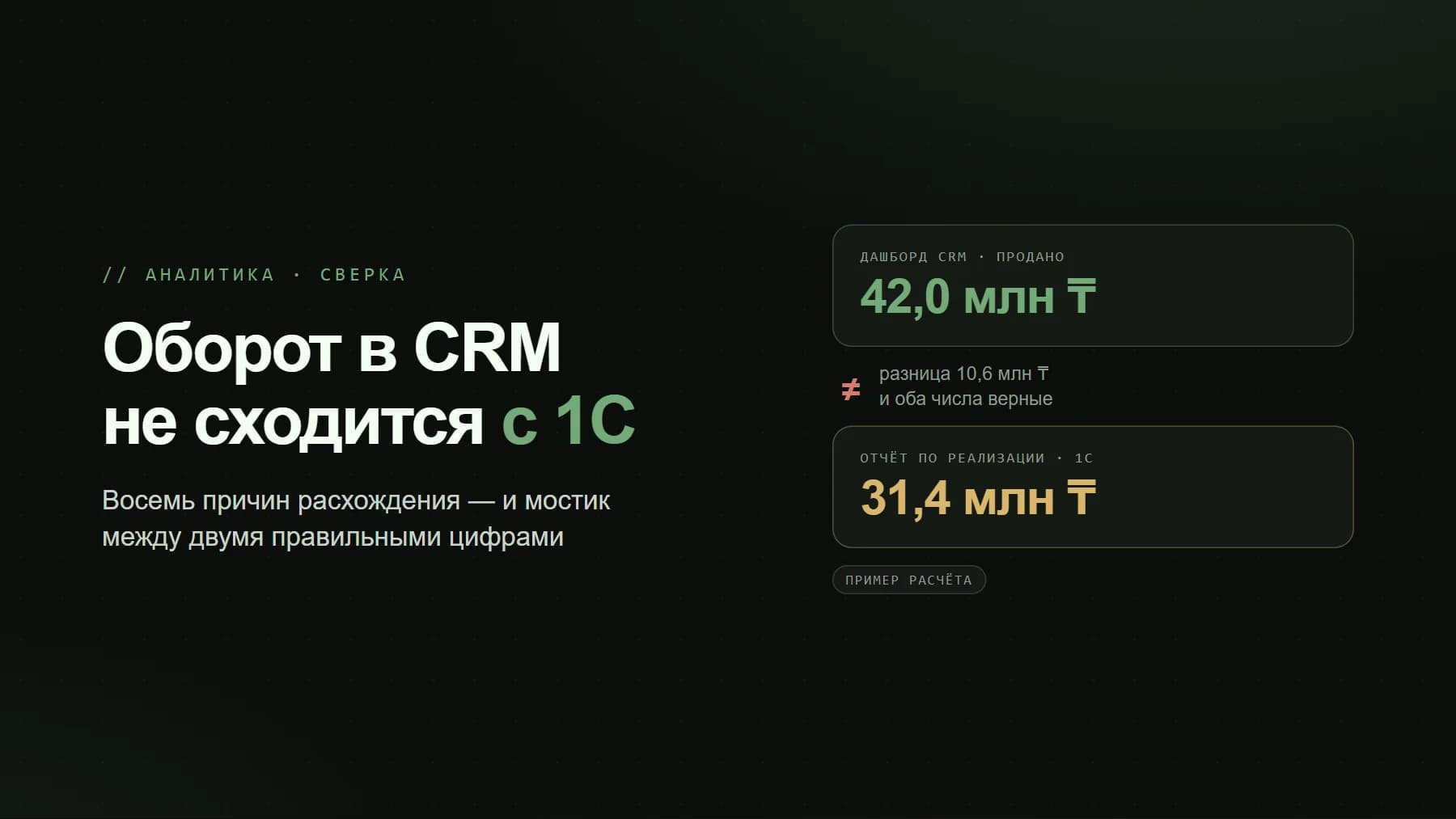
- Double-counting payments. The deal amount is recorded in both Bitrix24 and 1C without reconciliation, so the totals diverge. There must be a single source of truth for money.
- Last-click attribution in multichannel sales. A customer comes from Instagram, warms up through a mailing, and buys on a branded search query, so branded search gets all the credit. For long cycles, review assisted conversions in GA4 alongside the Bitrix24 report.
- Changing the UTM structure on the fly. Old and new tags no longer match and the history breaks. Lock in the standard once.
A cheap lead that never pays is more expensive than a costly lead that pays twice.
End-to-end analytics is not a matter of "ticking a box" but of discipline: a single UTM standard, correct source carry-through across the entire funnel, call tracking on calls, manual entry of spend for agency channels, and a weekly executive look at ROMI rather than clicks. Set up once, it turns the advertising budget from a black box into a manageable table that shows exactly which button to press to earn more.