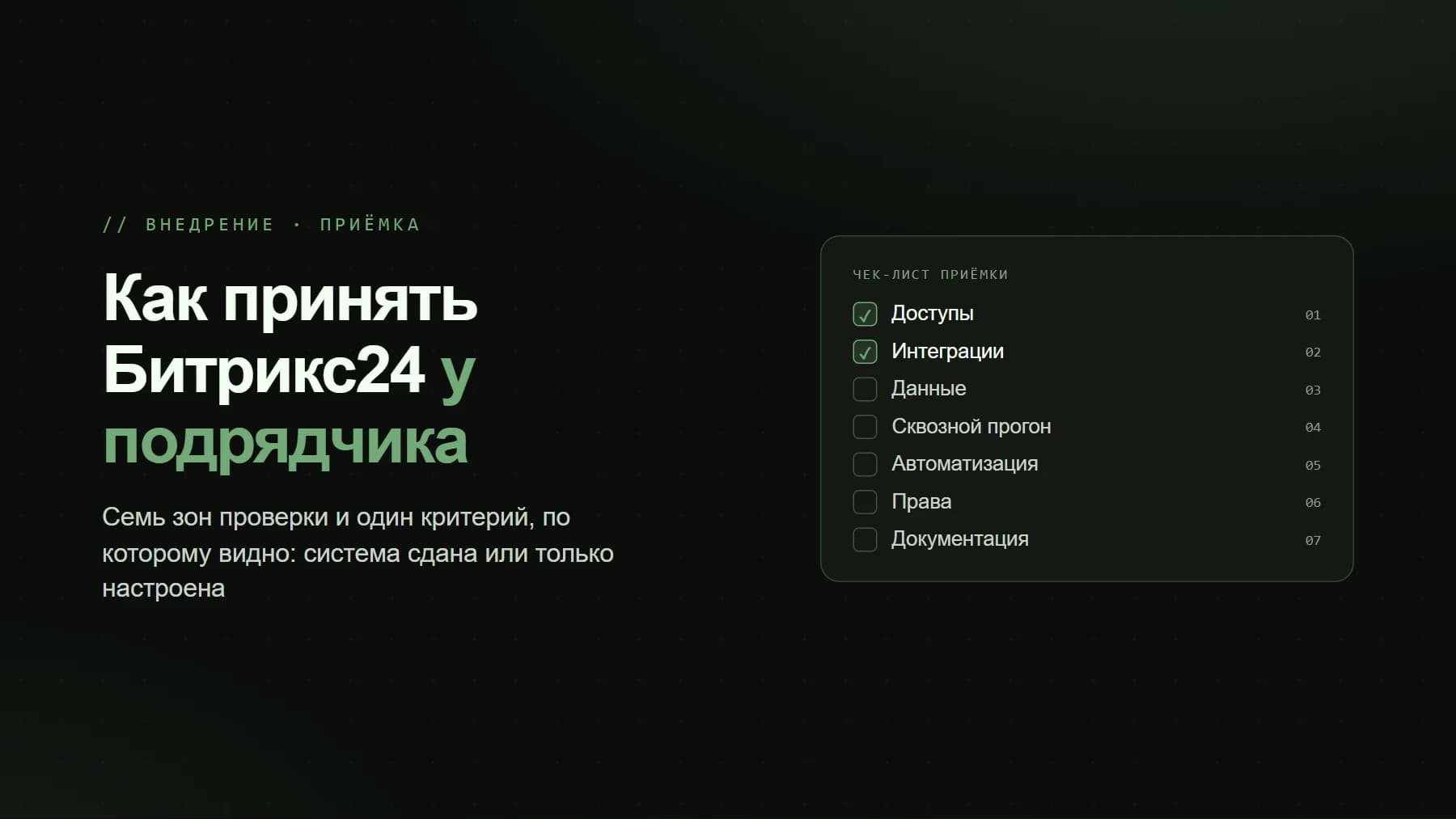
Most CRM implementation failures are baked in before the project starts, not during it. A team buys Bitrix24, sits down to configure pipelines, and two months later the sales reps are still running deals in WhatsApp and a notebook, while the manager has no idea where the leads and the money went. The cause is almost always the same: they went live without preparation. This article is a working checklist of what you need to do BEFORE the first configuration, so that an implementation at a Kazakhstani company is completed in 4 to 6 weeks rather than dragging on for half a year.
Why You Still Need Preparation When You Have a Contractor
A contractor will configure whatever you describe to them. If you do not have a documented sales process, the integrator will either configure it the way everyone else does it (and that will not fit your business), or they will pull the information out of you as the project goes along, which means missed deadlines and paying for iterations. Preparation moves the most expensive work, reaching agreement within the team, to the cheap stage, when nothing has been configured yet and there is nothing to redo.
Step 1. Document the Sales Process as It Actually Is
Not how it should ideally be, but how deals actually move today. Take the 10 to 15 most recent deals and walk through them by hand: where the client came from, who responded first, what the touchpoints were, where they got stuck, and why they bought or declined. The pipeline grows out of this.
- Pipeline stages: 5 to 8 of them, no more. Each stage equals a change of responsibility or a wait for the client to act (for example: New Lead, Qualification, Proposal Sent, Invoice Issued, Payment, Shipment).
- Drop-off points: identify the 2 to 3 stages where you most often lose clients. This is exactly where the CRM should provide reminders and control.
- What counts as a won deal: payment against an invoice, a signed contract, or shipment? Your conversion calculation depends on this.
- Multiple pipelines vs. a single one: new sales, repeat sales, and tenders / public procurement often run by different rules. Decide this before configuration.
If there are several pipelines (new sales, repeat sales, service), describe each one separately. Mixing different processes into a single pipeline is a classic mistake, after which your analytics becomes useless.
Step 2. Gather All Lead Sources
A CRM only makes sense when ALL inquiries land in it automatically. If a sales rep creates a deal by hand, they will forget to do it within a week. Compile a complete list of channels and note how each one connects to Bitrix24.
- WhatsApp and Instagram: in Kazakhstan this is the number one channel. They connect via Wazzup or Bitrix24 Open Channels; the conversation drops straight into the deal card.
- Telephony: reps' mobile numbers, landlines, virtual numbers. Asterisk or a SIP provider with call recording and linkage to deals.
- Website inquiries: forms, callback requests, online chat. These should create a lead without copy-paste.
- Kaspi (Shop/Red), 2GIS, hh.kz, Instagram Direct: for many B2C businesses this is the main flow, and it is often forgotten.
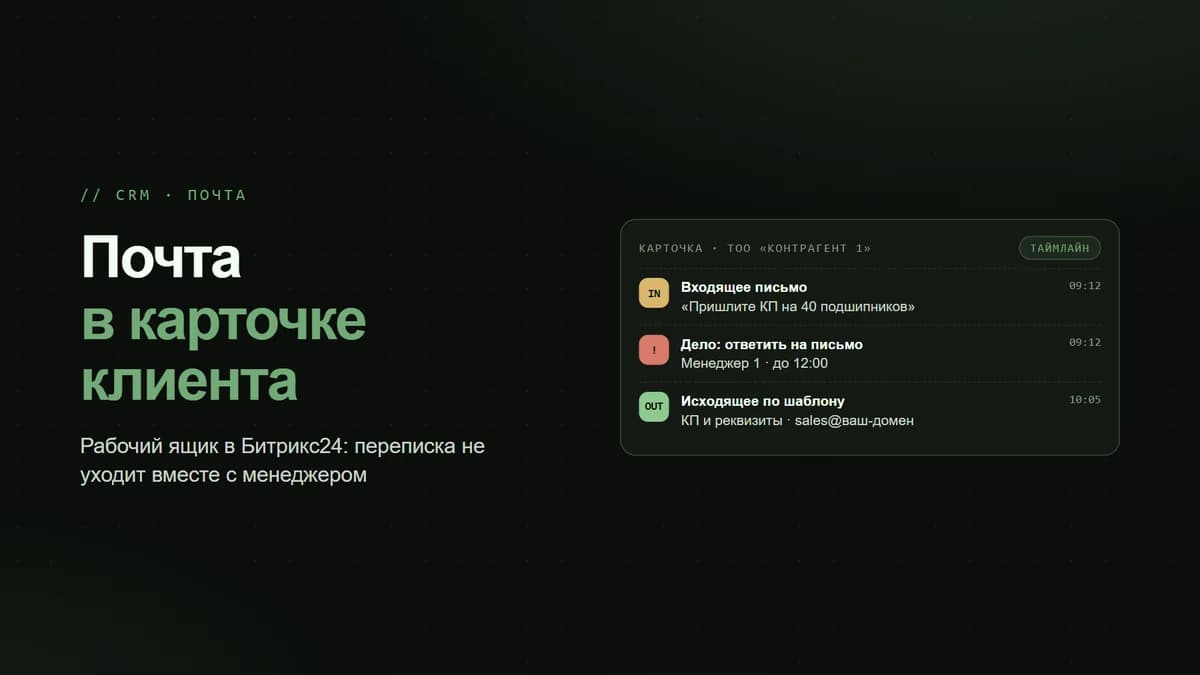
- Email and inquiries to info@: a separate open channel.
- Offline: business cards from exhibitions, walk-ins to the showroom. Decide who logs them and how.
For each channel, record: the average volume of inquiries per month, who responds today, and whether there are any losses. This is the basis for calculating workload and distributing leads among the sales reps.
Step 3. Assign Roles and a Project Owner
An implementation without an internal project owner almost always fails. You need one person on the client side who has both the authority and the time to make decisions and keep the team moving.
- Project owner (client side): usually the head of sales or the owner themselves. Makes the contentious decisions about the process, approves the configuration, and is accountable for getting the team to start working in the system.
- Portal administrator: will maintain the reference data, add employees, and assign permissions after the project is handed over. Appoint and train them in advance.
- CRM roles: who sees other people's deals, who sees only their own, and who has access to reports. Document the access matrix before configuring permissions.
- Contractor / integrator: configuration, integrations, training, and support.
No owner on the client side means no implementation. All you get is a configured but empty portal.
Step 4. Define the KPIs and What Counts as Success
Before you start, agree on the numbers by which, in 2 to 3 months, you will know the CRM is working. Without this, the project gets sort of done, but the benefit is nowhere to be seen. KPIs fall into two levels.
- Discipline (implementation control): the share of deals created automatically; the percentage of calls with a recording; the number of overdue tasks; the speed of the first response to a lead.
- Business outcome: lead-to-payment conversion; average order value; deal length in days; repeat sales; revenue by sales rep and by source.
- Baseline: record the current values BEFORE launch (at least roughly), otherwise you have nothing to compare against.
- Executive dashboard: which 5 or 6 numbers the owner wants to see on a single screen every morning.
Step 5. Plan the Integrations and Prepare the Data
Integrations are the most labor-intensive part. The list and priorities need to be locked in before launch, because they determine the timeline and the budget.
- 1C: two-way exchange (products, stock balances, invoices, payments) or a one-way export. In Kazakhstan this is almost always required, and it is the most complex item, so allocate dedicated time for it.
- Wazzup / Open Channels: messengers into the client card.
- Telephony, Asterisk or a cloud provider: call recordings and analytics.
- Website, Kaspi, forms: automatic lead creation.
- Notifications: Telegram/WhatsApp to alert sales reps about new inquiries.
Cleaning the Data Before Migration
Do not migrate garbage. Export the client base from Excel/1C, remove duplicates, normalize phone numbers to the +7XXXXXXXXXX format, and verify the BIN/IIN for legal entities. A dirty base migrated into the CRM devalues all of your analytics from day one. Decide in advance exactly what you are migrating: only active clients or the entire archive.
Step 6. Project Phases and How to Avoid Failing the Launch
Once the preparation is done, the project itself, for a small or medium-sized business in Kazakhstan, fits into a clear sequence:
- Week 1: briefing and locking in the process (pipelines, fields, roles, sources, KPIs). The output is a statement of work signed by both sides.
- Week 2: portal configuration: pipelines, cards, permissions, business processes, automation.
- Weeks 3 to 4: integrations: telephony, messengers, website, 1C. Testing on real deals.
- Week 5: team training and base migration. Not a generic lecture, but hands-on work on the team's own cases.
- Week 6: pilot operation: everyone works only in the CRM, the contractor smooths out the rough edges, and the manager monitors discipline via the dashboard.
The main reasons launches fail and how to close them off: sales reps sabotage the system, so introduce the rule no deal in the CRM means no deal and calculate bonuses solely from portal data; no control after handover, so the manager must review the reports daily for the first 4 weeks; field overload, so at launch keep the required fields to a minimum and add the rest later; the configure-and-forget trap, so allocate 1 to 2 months of support, the period during which 80% of the real refinements surface.
A CRM implementation is not a software purchase, it is bringing order to your sales, which the software then locks in. Work through this checklist before launch: a documented process, gathered lead sources, an assigned owner, agreed-upon KPIs, planned integrations, and a cleaned-up base. Then the project turns from a lottery into a manageable task of 4 to 6 weeks, and Bitrix24 starts making money rather than gathering dust as yet another unfilled system.